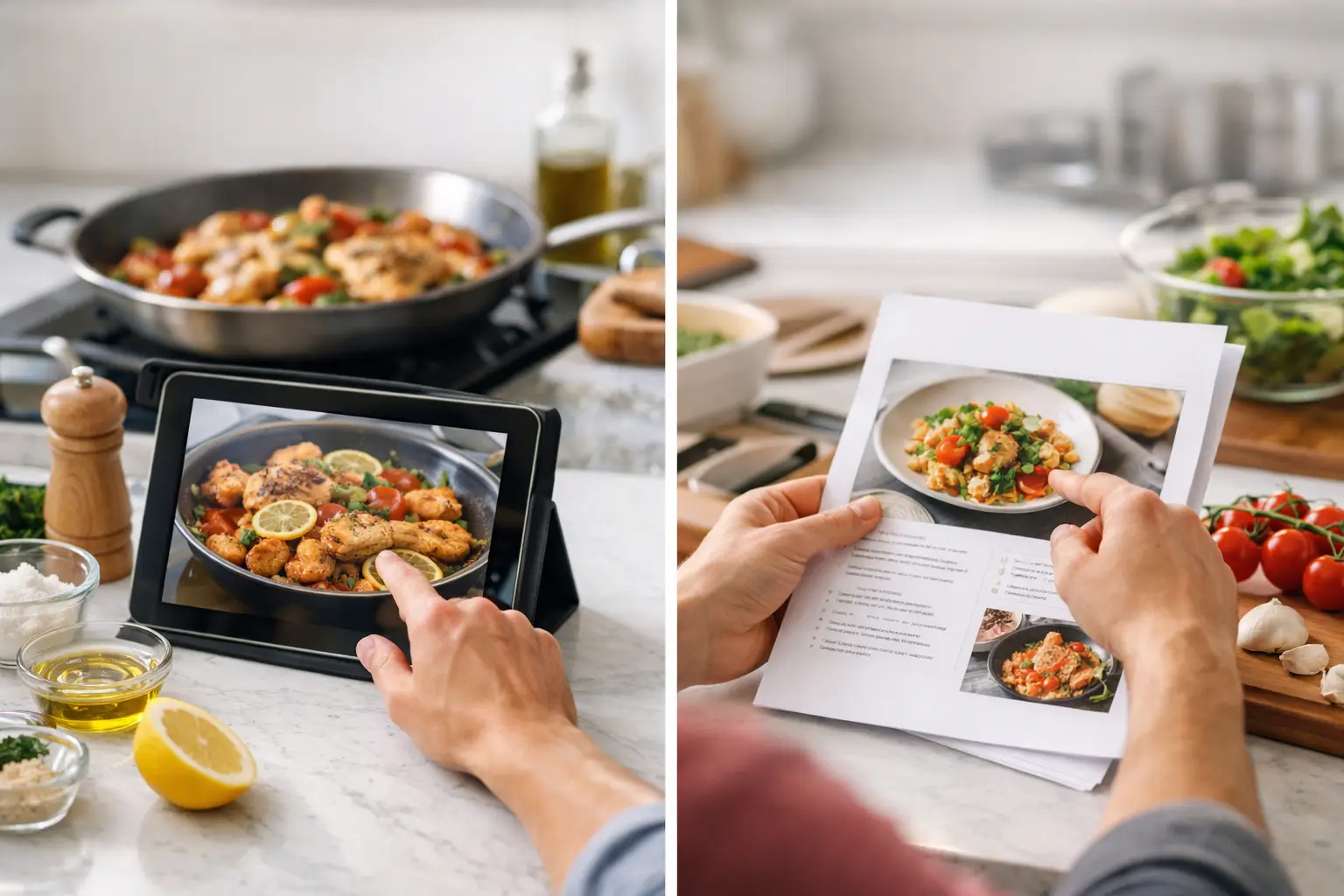
A recipe can look perfectly clear until your hands are covered in flour, the oven timer is beeping, and you need to remember whether the garlic goes in before or after the tomatoes.
That is when cooking mode vs printed recipes becomes a real kitchen decision rather than simply a preference between screens and paper.
A printed recipe offers a familiar, low-tech kind of calm. Cooking mode provides step-by-step guidance without requiring you to repeatedly find your place on a long recipe page.
Neither format is automatically better.
The right choice depends on what you are cooking, how confident you feel, your kitchen setup, and how much attention you can spare on a busy evening.
Disclosure: FlavorLab is our own recipe and meal-planning platform. This guide explains the practical differences between digital Cook Mode and printed recipes and identifies where FlavorLab may fit into the cooking process.
What Cooking Mode Changes at the Counter
Cooking mode is designed for the part of cooking that begins after you select a recipe and gather the ingredients.
Instead of looking at one long page, you move through the method in smaller, sequential steps.
The next action is the one that matters, whether that means:
- Preheating the oven
- Chopping an ingredient
- Heating a pan
- Adding a spice
- Stirring a sauce
- Setting a timer
- Checking whether food is cooked
For beginners, this smaller focus can make a recipe feel less intimidating.
A page containing 12 instructions may look like a major project. One clear instruction followed by the next can feel more manageable.
Step-by-step guidance can also reduce common mistakes, such as:
- Skipping a line while scrolling
- Adding ingredients in the wrong order
- Forgetting a preparation step
- Losing your place
- Missing an important cooking time
- Overlooking a resting period
Cooking mode is especially helpful for recipes with several moving parts.
Examples include:
- Sheet-pan dinners with a separate sauce
- Stir-fries where ingredients cook quickly
- Baking recipes requiring a particular order
- Curries with several stages
- Meals combining a protein, vegetable, and side
- Unfamiliar dishes or cooking techniques
When your attention is divided between a hot pan, the clock, and other household responsibilities, fewer visual distractions can make cooking easier.
For more ways technology can support practical cooking, read How Recipe Apps Make Weeknight Dinners Easier.
What Cooking Mode Does Not Replace
Cooking mode can organize instructions, but it does not remove the need to read and evaluate the recipe before beginning.
Before cooking, check:
- The complete ingredient list
- Preparation and cooking time
- Required equipment
- Serving size
- Dietary labels
- Allergy concerns
- Resting or marinating time
- Safe cooking requirements
This is particularly important for AI-generated recipes.
Confirm that the quantities, steps, cooking times, temperatures, and ingredient combinations make sense before turning on the stove.
Cooking mode should support your judgement rather than replace it.
It also does not guarantee that every phone or tablet will remain awake. Device screen settings can vary, so adjust them safely before beginning when needed.
Keep the device away from heat, water, raw ingredients, and areas where it could fall.
Where Printed Recipes Still Shine
Printed recipes have strengths that no screen needs to replace.
A paper copy remains visible without:
- A charged battery
- Internet access
- Screen settings
- App notifications
- Repeated tapping
- A software update
You can circle an ingredient, cross out a step, write “use less salt next time,” and keep a trusted family recipe in a binder for years.
Paper is also useful for understanding the complete recipe before you start.
You can scan the ingredients and steps together, identify where resting time is required, and notice that the onions can cook while the rice simmers.
That complete overview helps experienced cooks plan their timing and make substitutions.
If you discover that an ingredient is unavailable, the Recipe Substitution Guide for Everyday Cooking can help you choose a replacement based on the ingredient’s role.
For some people, printed recipes also create a more relaxed cooking environment.
There is no temptation to check messages while waiting for water to boil. If cooking provides a break from screens, a handwritten card or printed page can make the experience feel calmer.
Limitations of Printed Recipes
Paper is less adaptable when plans change.
A printed recipe cannot automatically:
- Adjust ingredient quantities
- Change the serving size
- Suggest a missing ingredient
- Generate a dairy-free alternative
- Find a meal using available food
- Connect ingredients to a shopping list
- Provide another recipe when the original plan no longer works
A printed recipe can also become difficult to read after spills, handwritten changes, or repeated folding.
You may lose your place when turning the page with one hand while stirring with the other.
These limitations do not make printed recipes outdated. They simply mean paper works better for certain cooking situations.
Cooking Mode vs Printed Recipes for Busy Meals
For an unfamiliar weeknight meal, cooking mode often has a practical advantage.
Busy cooks frequently need more than a recipe. They need a way to turn the recipe into dinner with as little friction as possible.
The main benefit is pacing.
When instructions appear in sequence, you can focus on the decision in front of you instead of reading ahead, backtracking, and wondering whether the broth was already added.
Cooking mode may work better when:
- The recipe is unfamiliar
- Ingredients must be added quickly
- Timing is important
- You are learning a new technique
- The meal has several components
- You are cooking while handling other responsibilities
Printed recipes may work better when:
- The meal is simple and familiar
- You want to write notes
- You need to see several recipes together
- Internet access is unreliable
- You prefer cooking without a screen
- You are preparing a large holiday meal
If you need practical meals for a busy evening, explore these quick weeknight dinner ideas.
Use Both Formats When It Makes Sense
You do not need to choose one format for every meal.
A practical approach is to use both for different parts of the process.
You could:
- Read the complete recipe before beginning.
- Print it when planning a complicated meal.
- Prepare and measure the ingredients.
- Use cooking mode once the heat is on.
- Add handwritten notes to the printed version afterward.
For a large holiday meal, printed recipes can help you compare cooking times across several dishes.
For a fast stir-fry, cooking mode can keep the order of ingredients clear while the pan is hot.
For a recipe you make every week, a short handwritten card may be all you need.
There is no benefit to forcing one format to fit every situation.
Cooking Confidence Changes From Recipe to Recipe
The best format often depends on your experience with the specific meal.
New cooks may benefit from detailed guidance because it answers small questions that can interrupt momentum:
- What does softened mean?
- When should the sauce begin bubbling?
- Is the pan too crowded?
- How brown should the onions become?
- Is the batter supposed to look this thick?
More experienced cooks may prefer printed recipes because they naturally adapt.
They may see a recipe as a flexible map rather than instructions that must be followed word for word.
A quick glance can be enough to remember the proportions and order of preparation.
Experienced cooks can still benefit from cooking mode when trying something unfamiliar.
Someone who can make pasta sauce without measuring may still appreciate sequential guidance for a first layered cake, dumpling recipe, or unfamiliar cuisine.
Cooking confidence is not fixed. It changes according to the recipe and technique.
Consider Your Kitchen Setup
Counter space and device habits matter more than many people expect.
A cramped kitchen may make a phone or tablet inconvenient, particularly if there is no safe place to position it away from spills and heat.
A printed recipe clipped to a cupboard or placed in a clear holder may be more practical.
On the other hand, a device positioned at a comfortable viewing height may be easier to read than a folded paper page.
Larger text can help when standing back from the counter, and step-by-step instructions can reduce visual clutter.
Before cooking, decide:
- Where the recipe will be placed
- Whether the text is large enough
- How you will move through the instructions
- Whether the device is safely positioned
- Whether you need to prevent the screen from sleeping
- How you will keep the recipe away from raw food
A small amount of preparation can prevent frustration once cooking begins.
Keep Devices and Printed Recipes Clean
Whichever format you choose, basic food safety still matters.
Place phones, tablets, and printed pages away from:
- Raw meat
- Raw seafood
- Raw eggs
- Wet preparation areas
- Splattering oil
- Hot burners
- Steam
- Sharp equipment
Wash and dry your hands before touching the screen, printed recipe, cupboard handles, spice jars, or other shared surfaces after handling raw ingredients.
Clean your device according to its manufacturer’s instructions.
Avoid placing a phone or printed page directly on a surface that may have been contaminated.
Flexibility Matters When Dinner Plans Change
Most home cooking is not perfectly planned.
You may discover that spinach needs using, a guest is staying for dinner, or the recipe requires an ingredient you forgot to purchase.
Digital recipe tools can be helpful in these situations.
A connected cooking platform can support the complete decision rather than only displaying the final instructions.
You can:
- Start with ingredients already available.
- Find a meal that fits your time.
- Adjust for servings or preferences.
- Identify missing ingredients.
- Follow the cooking method.
- Save successful meals for later.
FlavorLab brings these stages together through recipe generation, pantry tools, meal planning, shopping organization, creator content, and Cook Mode.
If you have mushrooms, peppers, and rice that need using, Pantry Rescue can help turn those ingredients into a possible meal before you move into the cooking steps.
For more ways to organize available food before shopping, read Pantry Tracker vs Grocery List: Which One Helps More?.
You can also use the FlavorLab AI Chef to create a recipe around your ingredients, cooking time, serving needs, dietary preferences, or preferred cuisine.
Review any generated recipe carefully before cooking.
Choose the Format Based on the Meal
Use cooking mode when:
- You need step-by-step guidance
- You are juggling several tasks
- Timing matters
- You are trying a new recipe
- You want to focus on one instruction at a time
- The meal has several components
Choose a printed recipe when:
- You want to make handwritten notes
- You need to view the complete method
- You are cooking without reliable internet
- You want a break from screens
- You are using a trusted family recipe
- You need to compare several recipes
Use both when:
- You want a complete overview before cooking
- You need paced guidance once cooking begins
- You want to save personal notes afterward
- The meal is complicated or unfamiliar
The correct format is the one that makes the recipe easier and safer to follow.
Cook With the Format That Gives You Confidence
Paper is not outdated, and cooking mode is not automatically better.
Each tool solves a different kitchen problem.
A printed recipe provides a complete view, stays visible, and makes personal notes easy.
Cooking mode reduces visual clutter and guides you through one step at a time.
The most useful kitchen system removes friction between “What can I make?” and “Dinner is ready.”
Browse recipes on FlavorLab, choose a meal that fits your evening, and use the cooking format that helps you feel most confident.
Create a free FlavorLab account to generate personalized recipes, explore Pantry Rescue, plan meals, and follow clear cooking instructions.