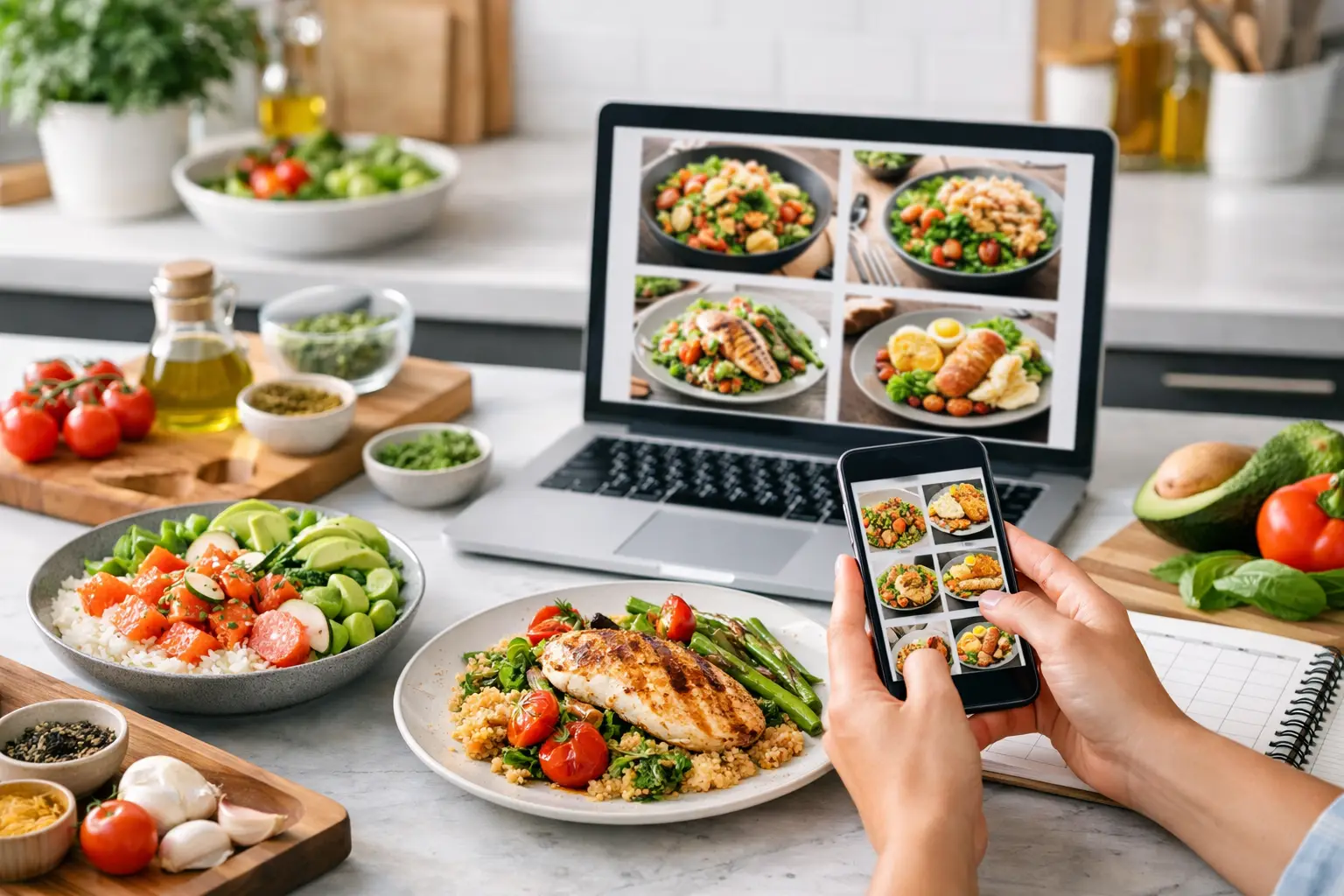
A bowl of creamy tomato pasta sounds appealing. Seeing it topped with basil, black pepper, and a little grated cheese can make it much easier to decide whether it is tonight’s dinner. That is the useful part of an AI food photo generator: it gives a meal idea a visual starting point before you reach for a pan.
For busy home cooks, food images are not just decoration. They can help answer practical questions quickly: Is this the kind of meal I am craving? Does it look light or filling? Could I serve it to the family? Is this a weeknight dish or something to make when I have more time? Used well, an AI-generated food image can shorten the gap between “What should we eat?” and a plan you are happy to cook.
What an AI food photo generator actually does
An AI food photo generator creates an image from a written description. You might describe a crispy chickpea wrap with cucumber, lemony sauce, and a side salad, or ask for a warm bowl of oatmeal with berries and toasted seeds. The tool interprets those details and produces a representative image of the finished dish.
The key word is representative. An image can communicate the general look, colour, plating style, and mood of a meal, but it is not evidence that the recipe has been cooked, tested, or photographed exactly as shown. A dish made in your kitchen may look different because ingredient brands, pan heat, seasonal produce, portion size, and your own presentation all matter.
That is not a drawback if you treat the image for what it is: inspiration. It can help you picture the destination while the recipe, ingredient list, cooking steps, and your own judgement handle the details.
Why visuals make dinner decisions easier
Many dinner decisions stall because a name alone does not provide enough information. “Vegetable curry” could mean something brothy and mild, a thick coconut-based sauce, or a spicy tray-baked meal. An image gives your brain a faster cue about what to expect.
This is especially helpful when you are cooking around a preference or a pantry problem. If you have carrots, rice, eggs, and a bag of spinach, you may be more interested in a colourful rice bowl than another written list of possible meals. Seeing a crisp-edged vegetable fritter or a bright egg fried rice can make one option stand out.
Visuals can also help beginner cooks build confidence. A finished-dish image offers a rough target for colour, texture, and portioning. It will not tell you exactly when onions are softened or how much seasoning your own batch needs, but it can make an unfamiliar result feel less abstract.
For families, a picture can make meal planning more collaborative. Instead of asking, “Does pasta sound good?” you can show two or three directions: a baked pasta, a veggie-heavy skillet, or a simple noodle bowl. Children and partners may have an easier time choosing when they can see the meal, not just hear its name.
Use the image to prompt a better recipe request
The most useful food images begin with a clear, cookable idea. Vague prompts tend to produce vague inspiration. You do not need to write like a food stylist, but a few practical details can make the result much more relevant to your table.
Start with the main dish and the ingredients you want to use. Then add the cuisine or flavour direction, dietary preference if needed, and the kind of occasion. For example: “A quick vegetarian grain bowl using roasted sweet potato, black beans, corn, avocado, and lime for two.” That request gives both the visual and the recipe a clear job to do.
Think about contrast as well. Meals that look appealing often have a mix of colours and textures: a creamy element beside something crisp, a fresh herb over a darker sauce, or a bright salad next to a warm grain. You do not need to chase a restaurant-style plate. A simple bowl can look inviting when it has a clear focal point and does not try to hold every ingredient in the fridge.
If a generated image looks richer, more complicated, or more heavily garnished than you want, adjust the request. Ask for a simpler presentation, fewer components, a family-style serving, or a lunch-sized portion. The goal is not to produce a perfect social post. It is to make a meal feel possible.
Let your pantry lead
A food photo is most helpful when it reflects ingredients you can realistically use. Before generating ideas, take a quick look at what needs attention: half a cauliflower, leftover cooked rice, soft peppers, or canned lentils. Then build the request around those items.
This approach cuts food waste and avoids the familiar problem of falling for a beautiful recipe that requires a dozen extra groceries. A visual idea for a cauliflower taco bowl is useful only if the accompanying recipe explains how to make it with the time, tools, and substitutions you have.
Keep dietary needs in the recipe, not only the image
Images are not reliable for confirming dietary suitability. A creamy sauce might contain dairy, a garnish might include nuts, and a styled dish cannot explain ingredient substitutions. If you are cooking vegetarian, dairy-free, gluten-free, or according to another preference, make that requirement explicit in the recipe request and read the ingredients carefully.
The same applies to nutrition. An attractive image can suggest a balanced meal, but it cannot calculate serving sizes or nutritional values. Use the recipe’s estimated nutrition information as a planning aid, then account for the actual products and portions you use at home.
Where AI food images can mislead
Food styling has always involved a little theatre, and AI images add a new version of it. Sauces may look unusually glossy, herbs may be perfectly placed, and ingredients can appear in combinations that are visually appealing but awkward to eat. An image may also show a quantity of toppings that would overwhelm the dish in real life.
Use a quick reality check before committing. Can the dish be made with the equipment you own? Does the recipe explain the cooking method? Are the ingredients available to you? Does the stated cooking time match the preparation involved? If the image shows perfectly charred vegetables but the recipe calls for a microwave-only method, let the written instructions guide your expectations.
There is also a difference between visual inspiration and food safety. Do not rely on an image to judge whether meat, eggs, or leftovers are cooked or stored safely. Follow reliable cooking temperatures, storage guidance, and common sense in the kitchen.
From meal inspiration to a workable week
A single appealing image can solve tonight’s dinner question. A connected planning process can help with the rest of the week. Once you have found a meal that suits your ingredients and schedule, look for ways to reuse overlapping items in another recipe. Spinach can appear in pasta one night and breakfast wraps the next. Roasted vegetables can become grain bowls, quesadillas, or soup toppings.
That is where an image works best as one part of the decision, rather than the entire decision. The finished-dish view creates excitement. The recipe gives you the method. A pantry view prevents forgotten produce. A meal plan helps you spread prep work across the week, and a shopping list turns ideas into a focused grocery run.
FlavorLab brings those pieces together as an AI kitchen for everyone. You can generate a tailored recipe with a representative finished-dish image and estimated nutrition information, then use Pantry Rescue for ingredients you need to use up, add meals to a plan, and keep your shopping organised. If a creator video or short is available for a recipe, it can offer another useful view of the process, but the written instructions remain your cooking foundation.
Make the picture work for your real dinner
The best meal image is not necessarily the most dramatic one. It is the one that makes you think, “I have most of that, I can make it, and I would enjoy eating it.” Let it inspire a practical recipe, not pressure you into buying special props or chasing an unrealistic plate.
When dinner feels hard to choose, start with what is already in your kitchen and the kind of meal you want to see on the table. Visit FlavorLabApp.ca and generate a recipe that turns that idea into a cookable plan.